
Staying organised seems to be one of the most common concerns not only for teachers, but anyone living and working in the 21st century. Of course, this is not a new issue. Famously, the ancient romans used the technique of memory palaces to tie memories to imagined rooms in a house (an approach that has never worked for me). Less well known is their use of graeculi or ‘memory slaves’ to store and retrieve important information. Thankfully, nowadays we have various paper and digital tools to perform this memory enhancing labour. But now, the world is high-paced, interconnected and ever-scrolling, providing an unprecedented array of on-demand of distractions. This means that the burdens on our short and long-term memories, as well as executive decision-making, are greater than ever. It could all even be affecting the very way we make sense of time. However, there are many adaptations to these changes, thanks to our better understanding of how the brain works. For instance, if you often forget what you’ve entered a room for, you’re not alone. This is known as the ‘doorway effect’ which causes memory lapses after a shift in location.

Given this better understanding, countless popular science books and earnest blogs have covered this topic. Keeping organised is now its own cottage industry. I can’t claim to have any greater insight into it than anyone else, and I’m certainly not a cognitive scientist. People have commented that I’m quite organised, but I’m impressed by the ones who get by with a mass of post-it notes, backs of envelopes, or simply keep it all in their head. The tips in this post are simply based on my experience of what works for me. These techniques help me to keep on top of things and can also help prevent feelings of being overwhelmed. If you’re anything like me, the following may be of some use. But before you cross this threshold, make sure you have somewhere to write it all down.
- Bullet Journal
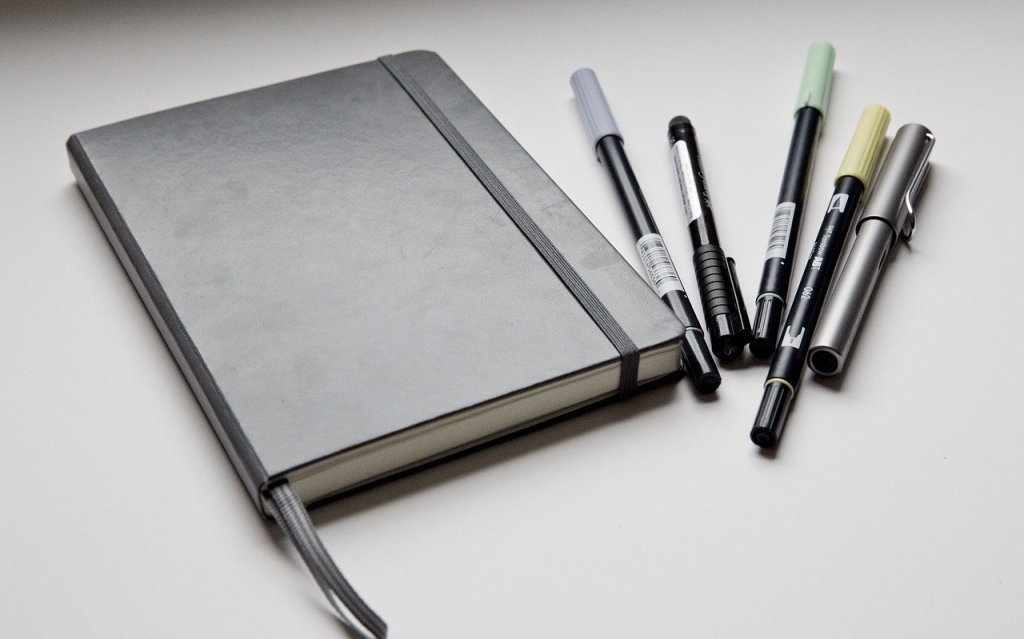
Bullet journals are a relatively new trend in the world of productivity. Expensive, purpose-designed, dotted and tasseled journals, and pages of stylised ink artwork are easy to find online. These bells and whistles are not necessary to make use of this approach to streamline your life. What lies at its heart is a fairly straightforward system that combines the best aspects of a diary and to-do lists, while preventing endless piles of scoured notes piling up on your desk.
Bullet journals can be highly personalised, but all rely on a chronological approach to organisation. In my interpretation, I would start a new journal with a double page spread covering the 12 months of the year. You can populate this with important upcoming dates and tasks which are time sensitive. Next comes the month section. Write the days of the month down the left hand side of one page. Again, this can be populated with relevant events and tasks. Next to this page, start a to-do list of tasks you must or would like to do that month. Lastly, you have the week view. You have the option of breaking this down further to a page for each day, but I rarely find that necessary. The Bullet Journal site explains it all well here.
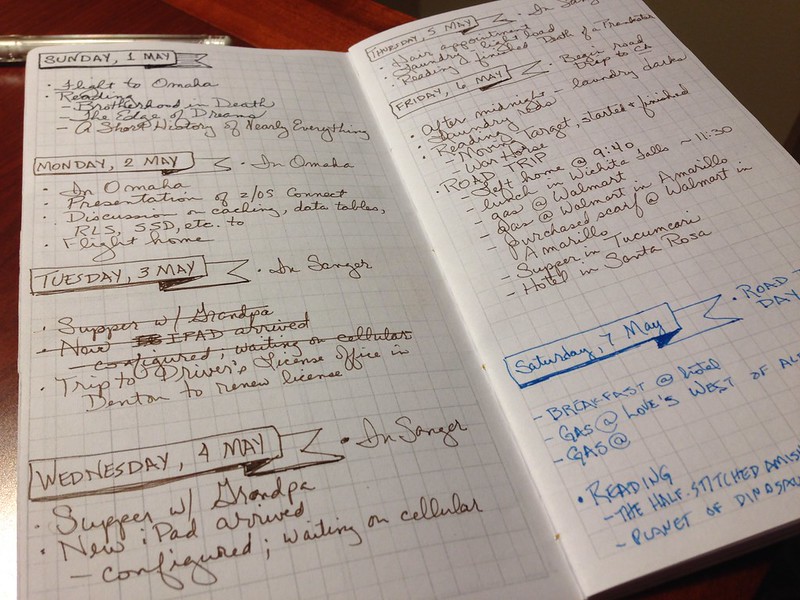
under creativecommons.org/licenses/by/2.0/
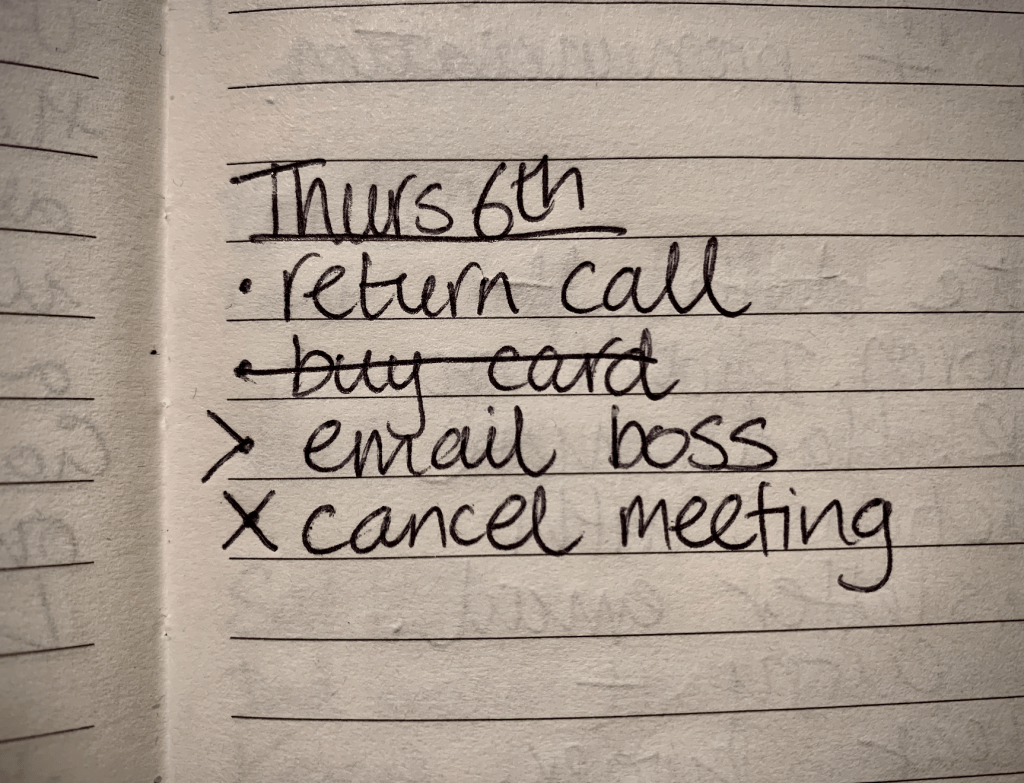
The way the tasks are symbolised and ‘migrated’ is what gives the journal the ‘bullet’ in the name. The bullet in question refers to bullet points, which is why a dotted matrix is the preferred format, although not a requirement. Each task is represented by a bullet-point dot before a short written summary. At the end of each day, week and month, the journaller reviews the tasks. A completed task is checked with an ‘X’. A task that is no longer needed is given a horizontal strikethrough. Tasks which weren’t completed can be ‘migrated’. This means that they are copied into the next week or month, and then the original task is marked with an arrow: ‘>’. If this sounds like a laborious process, you’re not mistaken. The time and effort spent copying incomplete tasks acts as a reminder and incentive to get them done sooner.
To many, this can sound like a needlessly time-consuming approach which is doing the same job as a diary and/or to-do list. However, I believe the bullet journal has a number of advantages. One is it’s greater flexibility. I certainly remember having work diaries with over-scribbled pages on particularly hectic weeks. Not all days and weeks in the school year are created equally, even if they all do last the same amount of time. A busy week can be stretched out over however many pages are needed, and extra lists can be dedicated to particular days, afternoons or topics. A bullet journal also keeps your tasks organised in the failsafe system of sequential order by turning pages left to right. I would take this consistency and predictability over a messy desk and notes in various apps.
There is a limitless amount of personal customisation, whether that’s practical or aesthetic. Aside from the previously mentioned symbols, the user is free to create their own. One commonly used one is the asterisk (*) next to urgent or important tasks, especially useful since, as a handwritten document, a vertical hierarchy cannot be altered. Personally, I use the end pages of the bullet journal as a ‘back burner’ to list ideas and tasks that are non-urgent but could be worth exploring if main tasks are under control. A final addition to my bullet-journal is a quick diary. After each day, I simply make a note of what happened, what I achieved that day and how I felt about it. This helps you to take stock and to appreciate the progress being made. Other ideas that I don’t use which you might find useful include indexing tasks, motivational illustrations, and tracking meals, sleep, mood etc.
- Smartphone
The bullet journal as described above is my mothership of keeping organised. There are some other techniques that also serve to keep my head above water. Despite my aforementioned preference for a handwritten bullet journal, the rest of these techniques are digital. (I recently swapped from Android to Apple, so the rest of this article is written with the iPhone in mind, although I imagine equivalents are available.) For instance, an easy way to combine your bullet journal with your smartphone is through the reminders app. I set timed reminders for first thing in the morning and late afternoon. This is especially useful for remembering time sensitive tasks like to taking things to work or to picking something up on the way home .
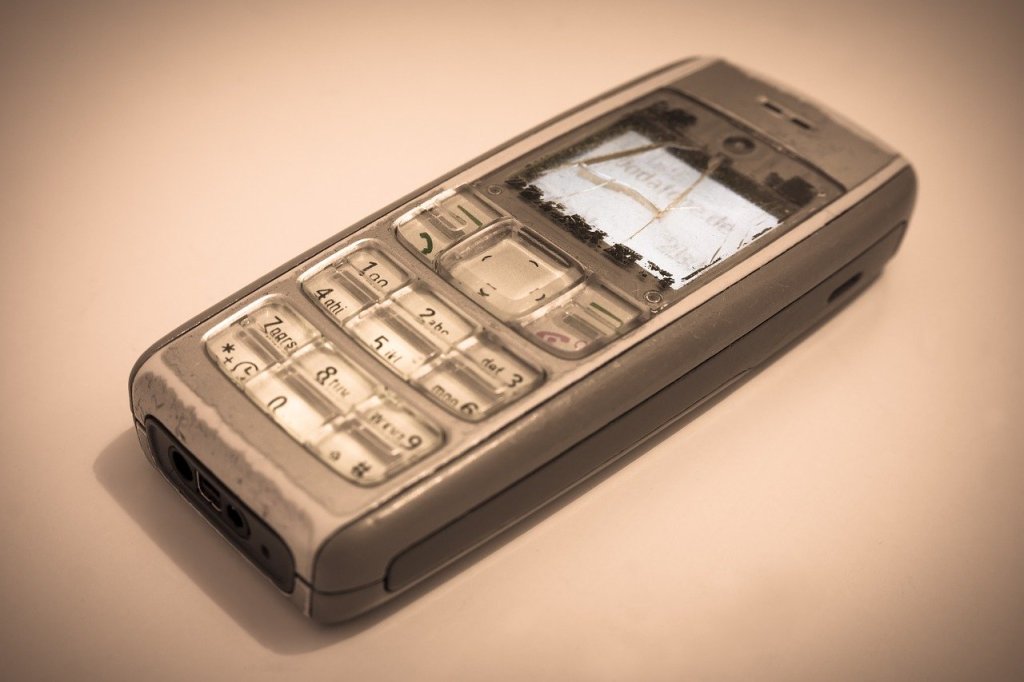
Smartphones themselves often amount to a time sink that provide limitless distractions. One temptation is to forgo them and rely on simpler devices or offline resources entirely. For most of us, this is an unrealistic aim. But there are things you can do with a smartphone to make yourself more productive. A simple change is to rearrange your home screen so all the apps you want to use more are clear to see at first glance while time wasting apps are hidden in a folder on the second or third swipe. You want to make it as easy as possible to open your phone and see Duolingo or Kindle, and keep Instagram and Facebook out of sight.
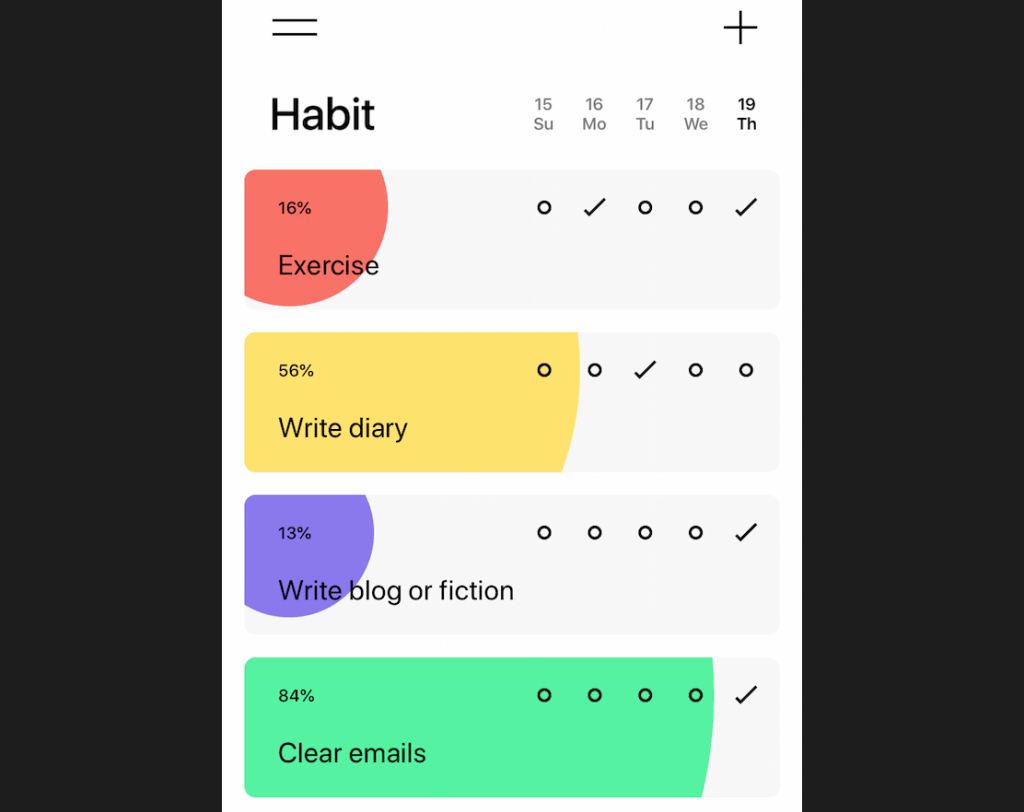
There are hundreds of apps that are designed to help with organisation and productivity. I have found two types in particular that have become part of my daily routine. The first is a habit tracker app. I did use one called Habitica which functions like a role-playing game. I have no complaints against the app itself, but I’ve since opted for a simpler alternative named Habit. The conceit of both is the same: set up a list of habits you’d like to become routine and mark a tick-box each time you complete one. The habits can be set as daily, weekly or monthly with changeable frequency e.g. once a day, twice a week etc. Each habit displays a percentage and completion bar, giving a quick overview of what needs the most attention. These apps rely on people’s desire to maintain their streaks, a psychological trick also used to great effect by Snapchat. If the long term benefit of practising, studying or exercising is not enough to motivate you, the instant gratification of ticking off that day’s habit can bridge the gap.
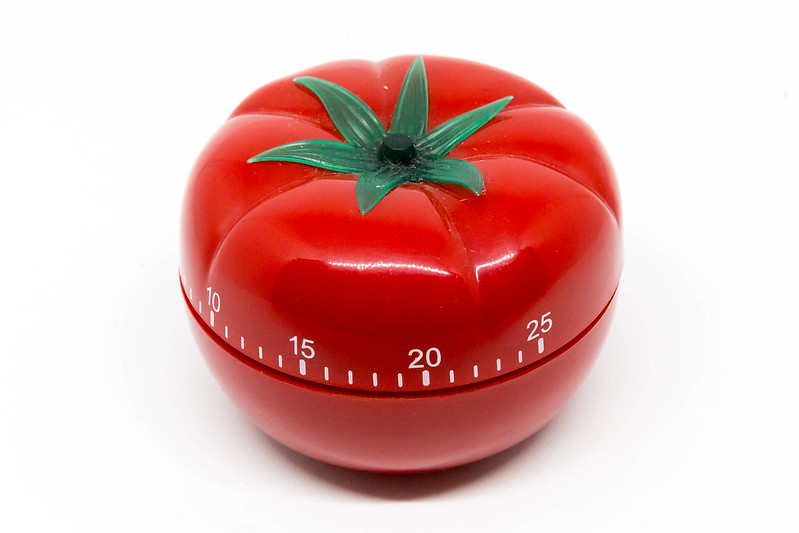
Another useful approach is the Pomodoro Technique. This is especially useful for working from home when it’s easier to lose discipline and motivation to work. The name comes from the Italian word for tomato after which are named the distinctive kitchen timers. The idea is straightforward: set yourself a timer with 20 minutes to work, followed by a 5 minute break. After completing four sets, you are given an extended 25 minute break. Given that it is such a simple technique, there are many apps based on automating it. After some experimenting, I’ve settled on one called Focus Keeper which lets the user customise the durations, as well as different ambient sounds to represent work and breaks. I find 40 minutes per work session is more useful than 25. It also serves as a useful reminder to shift between work and house-chores, or sedentary and more active tasks.
As I mentioned, the above are simply the organisational tips that work for me. They help me to keep on top of all my to-dos and help reduce feelings of stress. Getting an overview of my tasks by day, week and month, completing routines, and dividing my day into chunks is what works in my case. In today’s interconnected world, these provide ways to deal with an abundance of information, constant demands on our times, and endless distractions. There is really no need to put pressure on yourself to remember everything in the moment you’re told it and juggle it all in your head. When it comes to staying organised, we should take all the technological help we can get.
 LPearceLearning